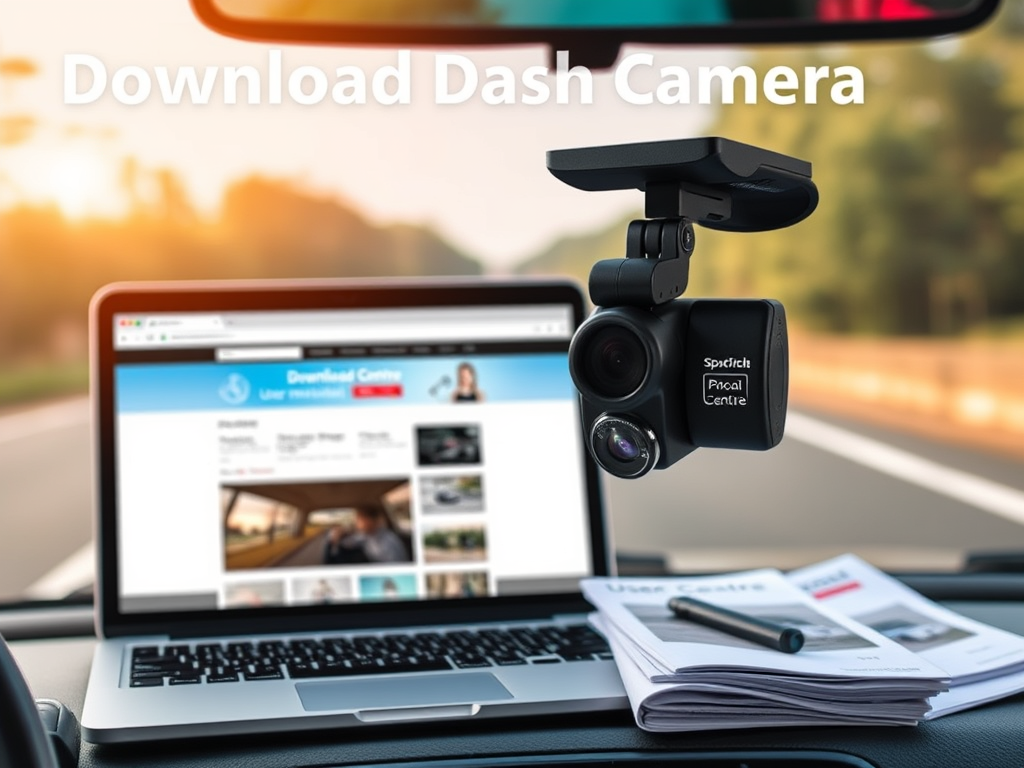
How to Download Dash Camera User Manuals and Apps: Your Ultimate Guide
Welcome to Your Dash Camera Resource Hub!
Dash cameras are invaluable tools for enhancing road safety and capturing critical moments while driving. To ensure you make the most out of your dash cam, it’s important to download and access your user manual, installation guide and companion apps. This guide will walk you through the process of obtaining these essential resources, so you can fully leverage the capabilities of your device.
Comprehensive Support for Your Dash Cam
SpotCircle’s Download Centre offers everything you need to keep your dash cam operating smoothly. Our library includes:
- Firmware Updates: Enhance functionality and improve system stability.
- User Manuals and Guides: Detailed guides make setup and troubleshooting simple.
- Troubleshooting Resources: Tips and solutions for common dash cam issues.
Model-Specific Resources
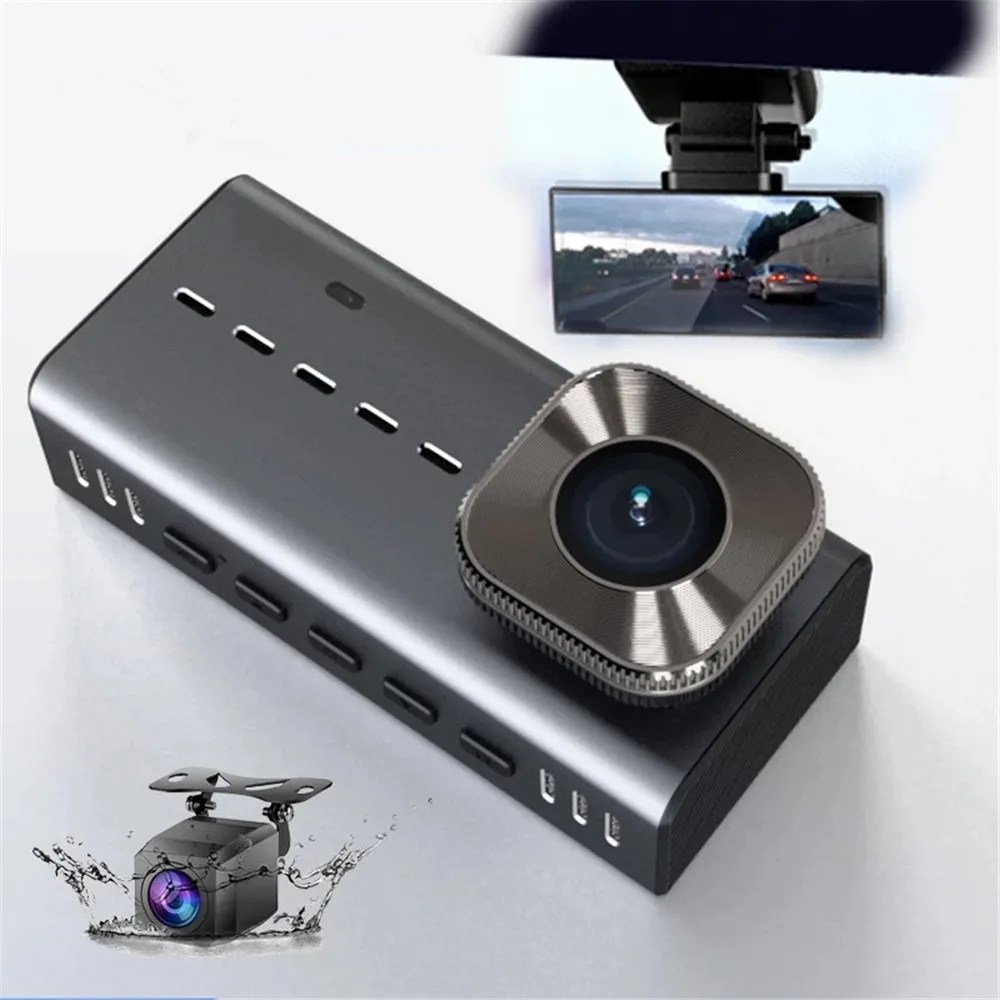
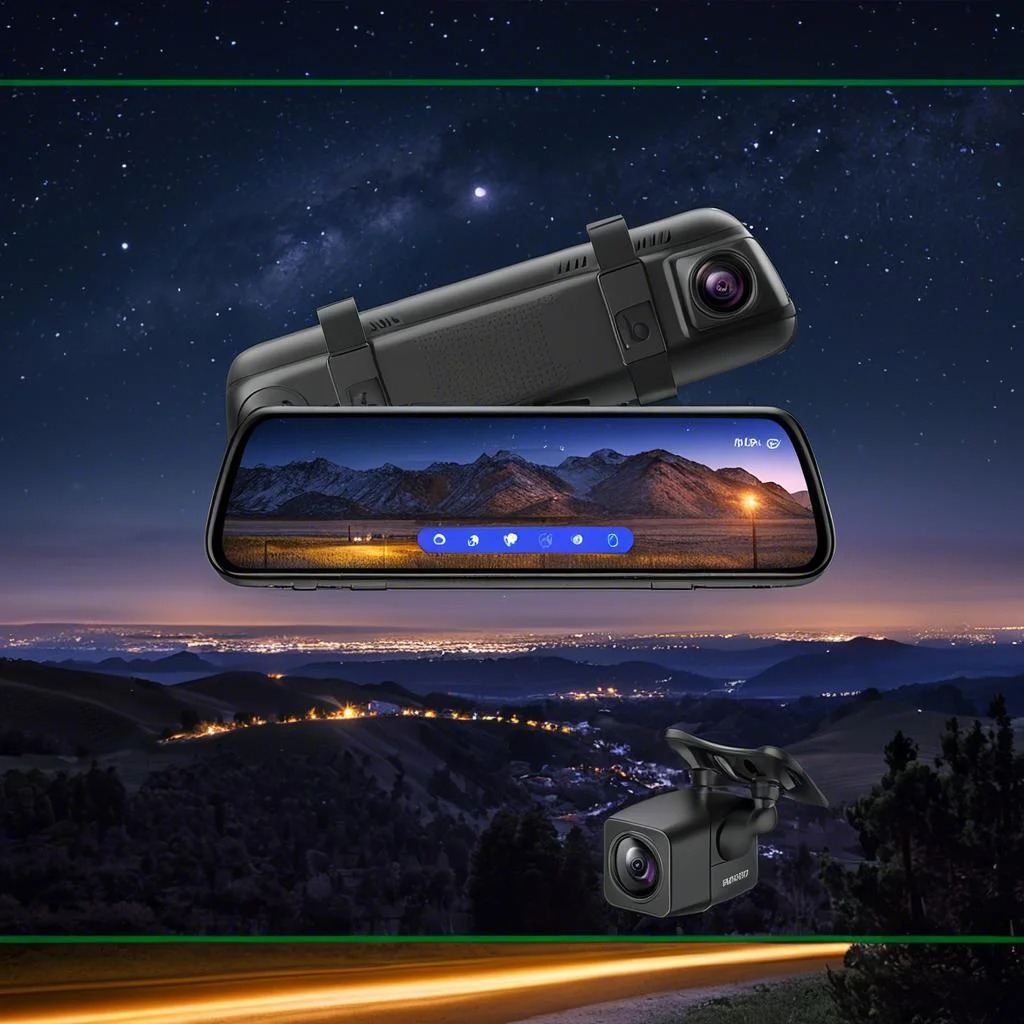
To ensure the best experience, download resources tailored to your model:
- Model A01: Access firmware that boosts night vision and enhances recording quality.
- Model B02: Download manuals to help you utilize all basic features effectively.
User Manuals:
Installation Guide (Videos):
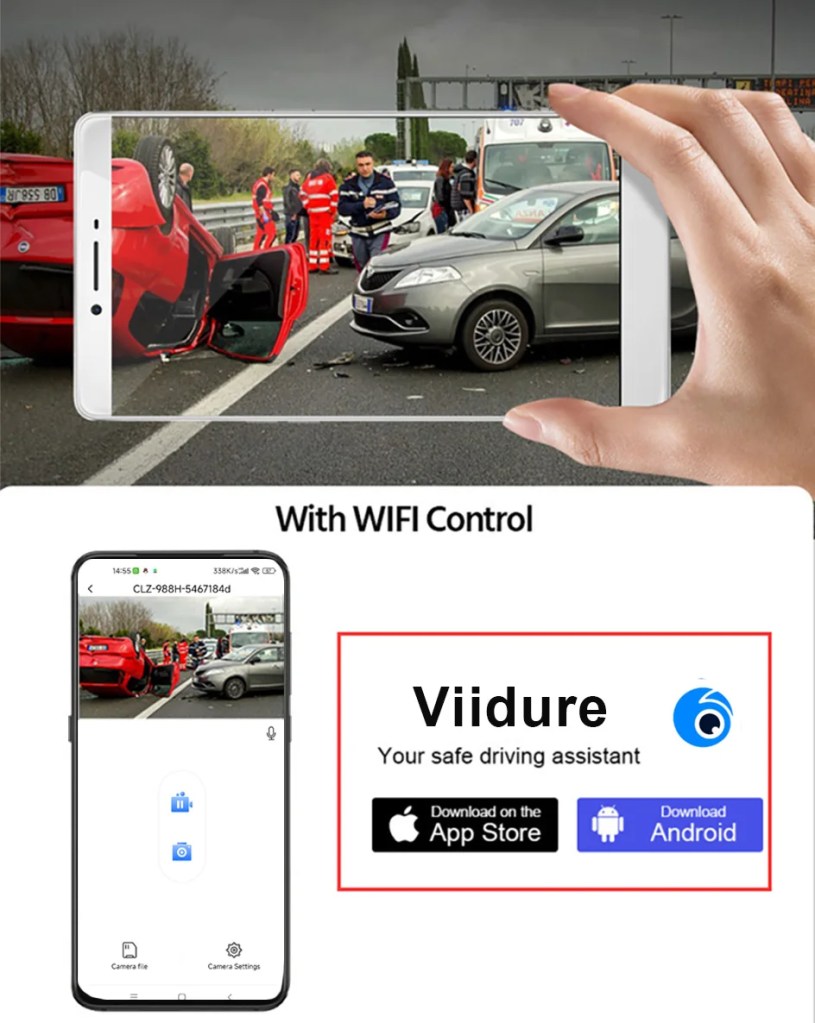
Apps Installation Guide:
Dash Cam Maintenance Tips
Keep your dash cam running optimally with these maintenance tips:
- Regularly Update Firmware: Stay on top of updates for the latest features and improvements.
- Format Memory Cards Monthly: Formatting your microSD card ensures smooth operation and prevents file corruption.
- Inspect for Physical Wear: Check the device and mounting equipment periodically to ensure stability and performance.
How to Download and Install Firmware Updates
Keeping your dash cam’s firmware up-to-date is essential for optimal performance. Follow these steps:
- Download the Latest Firmware: Select your model from the list and download the appropriate file.
- Transfer the File to Your Dash Cam: Follow the instructions in your user manual to transfer the firmware.
- Restart Your Device: After updating, restart your dash cam to activate the new features.
Troubleshooting Common Issues
1. My dash cam won’t update. What should I do?
Ensure your firmware file is compatible with your model. Try re-downloading the file or restarting the update process.
2. How do I know if my firmware is up-to-date?
Visit this page regularly for updates. You’ll also receive notifications for critical firmware updates.
3. What if I encounter an issue during installation?
Refer to your user manual for guidance or reach out to our support team for assistance.

FAQs About Firmware and Updates
- Will updating my firmware delete my recordings?
- No, updating the firmware won’t affect your stored videos. However, we recommend backing up any important footage before updating.
- How often should I check for updates?
- We release firmware updates periodically to improve performance. Check this page monthly or subscribe to our newsletter to stay informed.
- Can I revert to an old firmware version?
- Yes, you can reinstall older versions if needed, though we recommend using the latest for best performance.
- What if my dash cam isn’t recognizing the SD card?
- Ensure the SD card is properly formatted and compatible with your model.
Enhanced Support for Every User
Our support team is available to guide you through downloads, installations, and troubleshooting. We aim to make every aspect of using your SpotCircle dash cam convenient, from installation to firmware updates.
How To Buy?
Visit our eBay Store SpotCircle Dash Cams.
Contact us via Email sales@spotcircle.com.
 SpotCircle Dashcams